Bolt Pads
A bolt pad is a specialized preserve that represents a mounting location as a rectangular region of preserved material. The rectangular area is kept solid (full material) during optimization, and the bolt pad carries a role that determines its mechanical behavior. Bolt pads are the most common way to define preserve regions in practical mechanism design, especially for thermal flexure problems.
Why It Matters
Real-world mechanisms are not mounted with abstract point forces. They are bolted down. Every bolt connection has specific geometry and a role — is this bolt an input, output, or fixed mounting point?
Bolt pads capture this information by combining rectangular pad geometry with preserve behavior in a single entity. They automate the process of defining preserved solid regions with appropriate boundary conditions.
How It Works
Rectangular Geometry
A bolt pad is defined by three geometric parameters:
- Center position (centerX, centerY) — where the bolt pad is located
- Width — the horizontal extent of the preserved region
- Height — the vertical extent of the preserved region
The rectangular area defined by width and height, centered at (centerX, centerY), is the preserve region — locked to solid (full material). The optimizer treats these as active elements and optimizes only the surrounding design space.
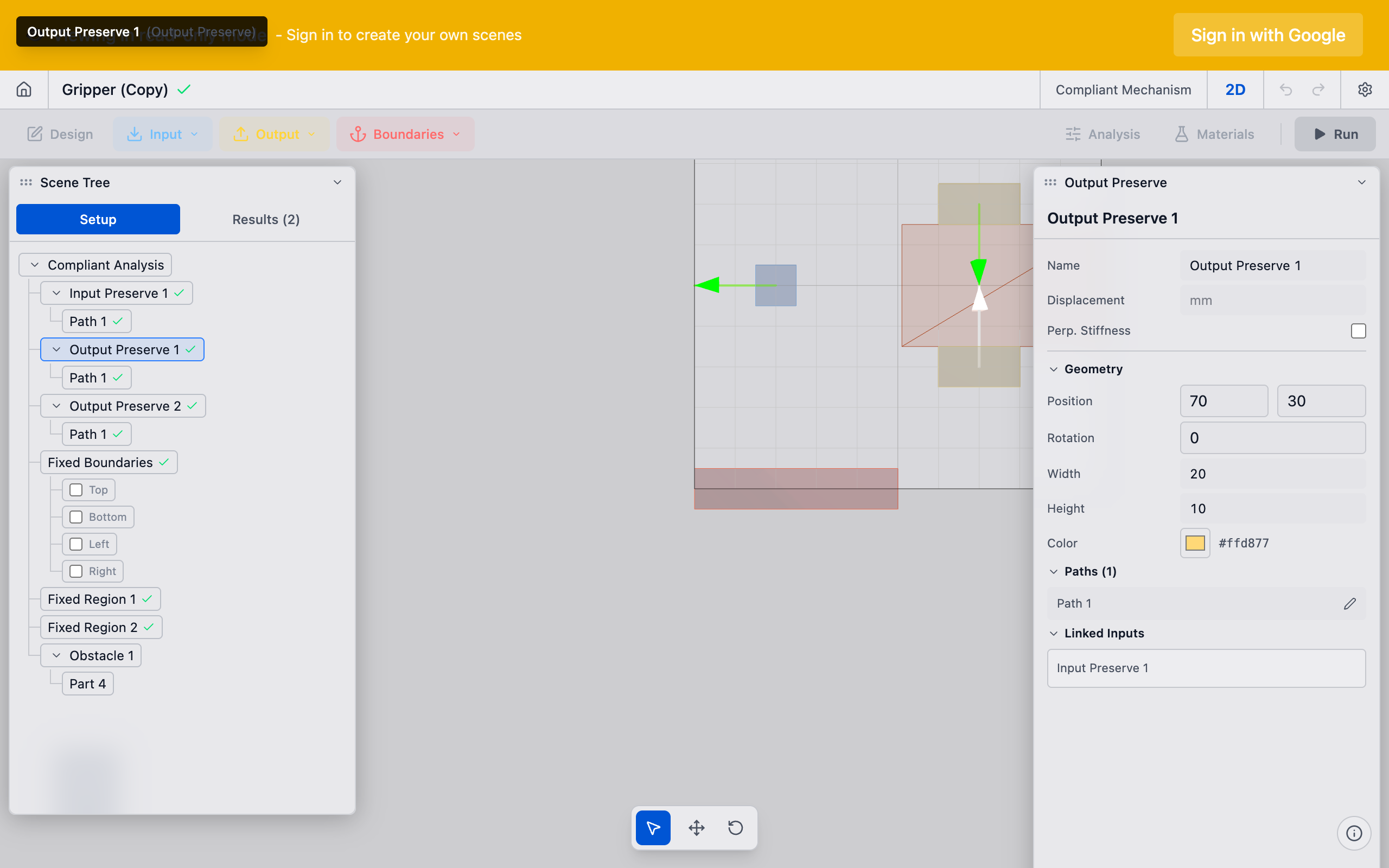
        width
     ┌─────────────┐
     │ ░░░░░░░░░░░ │
     │ ░░░░░░░░░░░ │  ░ = Preserved solid (bolt pad)
     │ ░░░░░░░░░░░ │  height
     │ ░░░░░░░░░░░ │
     └─────────────┘
Node Selection
When the mesh is generated, the solver determines which nodes belong to the bolt pad using a purely rectangular bounding box check. A node at position (nx, ny) is included if it falls within the rectangle:
centerX - width/2 <= nx <= centerX + width/2centerY - height/2 <= ny <= centerY + height/2
There is no radial distance check. The selection is purely based on the rectangular bounding box.
On coarse meshes, the rectangular boundary may not align perfectly with element boundaries. Increasing mesh resolution improves the geometric fidelity of the bolt pad representation.
Roles
Each bolt pad has a role that determines its mechanical behavior. The role maps directly to the preserve types:
| Role | Preserve Type | Boundary Condition | Direction? |
|---|---|---|---|
| Input | Input Preserve | Applied force | Yes |
| Output | Fixed Preserve | Zero displacement (pinned) | No |
| Fixed | Fixed Preserve | Zero displacement | No |
The "output" role for bolt pads is distinct from output preserves. A bolt pad with role="output" acts as a fixed mounting point — it represents where the precision payload (optical mount, sensor, etc.) is bolted to the mechanism. It is not where desired motion is measured. The output preserve (a separate feature) defines where the optimizer maximizes motion. See Output Preserves for the distinction.
Direction Vectors (Input Role Only)
When a bolt pad has the input role, it carries a direction vector specifying the direction of applied force. For thermal flexure problems, this direction typically represents the direction of thermal expansion at that bolt location.
Fixed and output role bolt pads do not have direction vectors — they constrain displacement to zero in all directions.
Practical Guidance
Sizing Bolt Pads
Match bolt pad dimensions to your actual hardware. The width and height should be large enough to represent the bolt head or washer footprint at the mounting location. A good rule of thumb: size the pad to match the physical contact area of the bolt head or washer.
If you are importing geometry from a STEP file, deFlex can automatically detect bolt holes and create bolt pads with the correct dimensions. Check that the detected geometry matches your design intent before running the solver.
Placement Patterns
Common bolt pad layouts:
Four-corner pattern: bolt pads at each corner of a rectangular plate. The most common mounting configuration. Typically 3 fixed + 1 input, or all 4 as inputs (thermal flexure).
Three-point pattern: bolt pads in a triangular arrangement. Provides kinematic mounting (exactly constrains 3 DOFs).
Edge row: bolt pads along one edge. Simulates a bolted cantilever plate.
Center + corners: one bolt pad at the center (often output role) with bolt pads at corners (fixed or input role). Common for thermal flexure mechanisms.
Thermal Flexure Configuration
In thermal flexure problems, bolt pads play a specialized role:
- Corner bolt pads (role = input): thermal expansion at each bolt location generates force in a direction computed from the thermal analysis. Each bolt pad gets a direction vector pointing along its thermal displacement.
- Center bolt pad (role = output): the precision payload mounting point — constrained to zero displacement. The mechanism must compensate for thermal expansion to keep this point stationary.
- Output preserve (separate from bolt pads): placed where you want to measure and optimize the compensation motion.
See Thermal Flexure for the full workflow.
Technical Details
Mesh Interaction
The bolt pad geometry interacts with the solver mesh in several ways:
- Element classification: each element is classified as preserved (inside bolt pad rectangle) or free (design space) based on its centroid position relative to the bolt pad bounding box
- Node force application: for input role pads, force is applied at the center application node of the pad
- Boundary conditions: for fixed/output role pads, zero-displacement constraints are applied to nodes in the pad region
Multiple Bolt Pads
A design can have any number of bolt pads. The solver processes all bolt pads simultaneously:
- All pad regions are combined into the active (preserved solid) set
- Forces from input role pads are assembled into the global force vector
- Constraints from fixed/output role pads are assembled into the constraint set
Bolt pads should not overlap. If two bolt pad regions overlap, the overlapping region is preserved solid, but force and constraint assignment may produce unexpected results.
Relationship to CAD Geometry
When importing a STEP file, deFlex's geometry processor can detect mounting features and create bolt pads automatically:
- The STEP import identifies mounting features
- Each feature's center and dimensions become the bolt pad center, width, and height
- The user assigns roles (input/output/fixed) and directions
This workflow ensures that bolt pad geometry matches the physical design. Manual bolt pad placement should be used when the CAD model does not include mounting features or when the automatic detection misidentifies features.
Troubleshooting
Bolt pad has no effect on the optimization: check that the role is assigned. A bolt pad without a role has its geometry preserved but does not contribute boundary conditions.
Optimizer removes material right up to the pad boundary: this is expected behavior. The optimizer preserves only the pad region itself. Material immediately outside the pad is part of the design space and may be removed if it is not structurally useful.
See Also
- Preserves Overview — the preserve system that bolt pads belong to
- Input Preserves — the preserve type for input role bolt pads
- Fixed Preserves — the preserve type for fixed/output role bolt pads
- Thermal Flexure — the primary use case for multi-role bolt pad configurations
- Mesh and Resolution — how mesh size affects bolt pad representation