Convergence
Convergence is the process by which the solver settles on a final design. The solver iterates — analyzing the current design, computing updates, adjusting the material layout — and with each iteration the design improves. Convergence occurs when the design values stop changing significantly between iterations. A converged design is the solver's best answer to your design problem.
Why It Matters
Understanding convergence helps you:
- Know when the result is reliable: a converged design is the solver's best solution given your inputs. An unconverged design is a work in progress — the topology may change substantially with more iterations.
- Diagnose problems: convergence behavior reveals whether the problem is well-posed. Fast, smooth convergence suggests a clean problem. Oscillation, slow convergence, or failure to converge suggest issues with the problem setup.
- Set iteration limits appropriately: too few iterations and the design has not converged. Too many iterations waste computation time on negligible improvements.
How It Works
The Iteration Loop
Each iteration of the solver follows this sequence:
- Structural analysis: compute displacements given the current material layout
- Objective evaluation: measure the output displacement (the quantity being maximized)
- Design update computation: determine how to improve the material layout
- Layout update: adjust the material layout to improve performance
- Filter: apply the design refinement filter to ensure physical smoothness
- Convergence check: compare design value changes to the tolerance
Convergence Criteria
deFlex considers the optimization converged when the maximum change in design values between iterations falls below the convergence tolerance. This measures whether the design has stabilized — when no cell's material value is changing by more than the tolerance, the solver has settled. Typical tolerance values range from 1e-3 to 1e-5. The solver also terminates if it reaches the maximum iteration count.
Convergence does not mean the design is globally optimal. The solver may converge to a local optimum rather than the global optimum. Different initial conditions or perturbations can sometimes produce different converged designs. In practice, the solver with appropriate design sharpness settings reliably produces high-quality results.
Typical Convergence Behavior
A well-posed problem typically converges in 50 to 200 iterations with the following progression:
Iterations 1-10: Rapid improvement
- The initial uniform material layout quickly reorganizes
- Design performance improves dramatically
- The overall topology (load path layout) forms
- Volume constraint becomes active
Iterations 10-50: Refinement
- Material consolidates from gray (intermediate) to near-binary (solid/void)
- Member boundaries sharpen
- The objective continues to improve but at a slower rate
- The solver sharpens the design, pushing ambiguous regions toward solid or void
Iterations 50-100: Fine tuning
- The topology is essentially fixed
- Remaining changes are small adjustments to member widths and junction shapes
- Objective improvement per iteration becomes very small
- Intermediate regions shrink to narrow transition zones
Iterations 100+: Diminishing returns
- Changes between iterations are negligible
- The design is converged for practical purposes
- Further iterations consume time without meaningful improvement
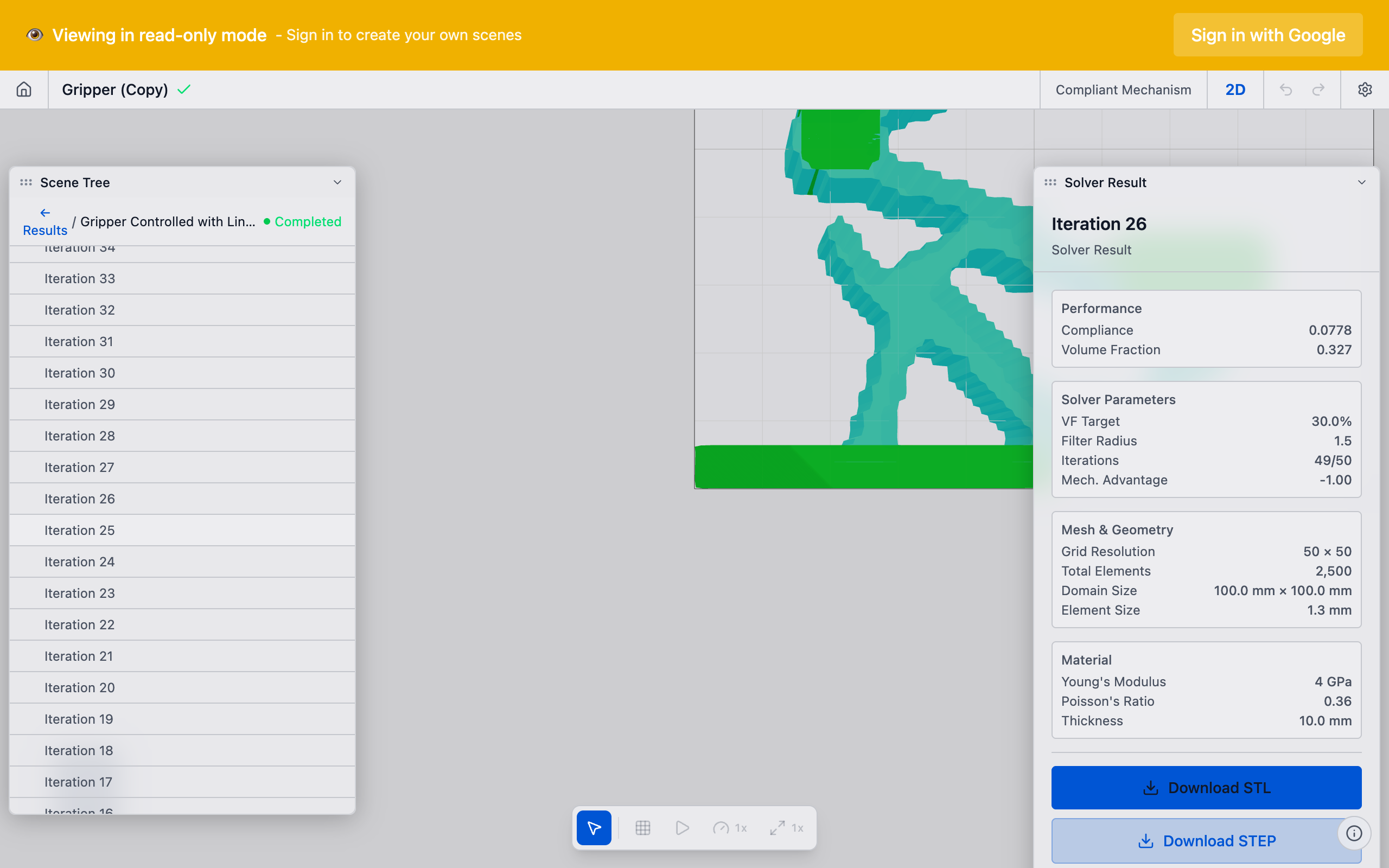
Reading the Convergence Plot
deFlex provides a convergence plot that shows the design performance at each iteration. Key things to look for:
Smooth, Monotonic Decrease (Good)
The objective steadily improves (increases for maximization, decreases for structural optimization) with each iteration. The curve flattens as convergence approaches. This indicates a well-posed problem with a clear optimum.
Oscillation (Potential Issue)
The objective bounces up and down between iterations. Small oscillations (within 1-2% of the final value) are normal and do not indicate a problem. Large oscillations (10%+) suggest:
- The solver's update steps are too aggressive — it overshoots each iteration
- The problem has competing objectives that prevent stable convergence
- The design sharpness is too aggressive for the current iteration range
Plateau Then Sudden Change
The objective levels off, then suddenly changes (up or down). This often occurs when:
- The optimizer discovers a new, better topology (beneficial — the design improves)
- An intermediate region suddenly snaps to solid or void, causing a discontinuous change
- The solver's progressive scheduling increases design sharpness
No Improvement After Many Iterations
The objective flattens immediately and does not improve. This suggests:
- The initial design is already near-optimal (unlikely with uniform initialization)
- The problem is degenerate — preserves or constraints make it trivial
- The volume fraction is too high (the space is mostly filled, little room for optimization)
If the convergence plot shows steady improvement that has not yet flattened, the solver may benefit from more iterations. Increase the iteration limit and re-run. If the plot has been flat for 30+ iterations, the design is converged and additional iterations will not help.
Practical Guidance
Setting the Iteration Limit
| Problem Complexity | Suggested Iterations | Rationale |
|---|---|---|
| Quick exploration | 30-50 | Enough to establish topology |
| Standard design | 100-150 | Good convergence for most problems |
| Final design | 200-300 | Maximum refinement |
| Convergence issues | 300-500 | Allow extra iterations for difficult problems |
When Convergence Is Slow
Slow convergence (the objective is still improving after 200+ iterations) can be caused by:
- Low volume fraction: the optimizer has very limited material and must carefully optimize every element. Try increasing V_f slightly.
- Conflicting constraints: multiple pairs with competing requirements force the optimizer to negotiate a compromise at each iteration.
- Fine mesh with small filter radius: many small features that the optimizer must individually optimize. Increase the filter radius.
When Convergence Fails
If the solver reaches the maximum iteration count without converging:
- Check the convergence plot: is the objective still improving, or is it oscillating?
- If improving: the problem needs more iterations. Increase the limit.
- If oscillating: the problem may be ill-posed. Review preserve placement and constraints.
- If flat at a bad value: the problem is degenerate. Check that inputs and outputs are properly paired and that the design space allows viable load paths.
Technical Details
Solver Convergence Properties
The solver has robust convergence behavior for well-posed problems. Its internal parameters adapt based on iteration history, and the design update strategy is designed to make steady, reliable progress toward the best solution. Empirically, convergence is dependable when the problem setup is sound.
Progressive Scheduling
Some formulations use progressive scheduling, where the solver starts with a more exploratory phase (allowing broader material distributions) and gradually increases design sharpness over the course of the run. This helps the solver discover good overall topologies early on, then refine and crisp up the design in later iterations.
When progressive scheduling is active, the convergence plot may show distinct phases. The performance metric may temporarily worsen when sharpness increases, then recover as the solver adapts to the new setting.
Performance Monotonicity
For structural optimization problems (such as thermal flexure), a well-behaved run should show monotonically improving performance across iterations. deFlex benchmarks check this property -- if performance worsens between iterations, it may indicate numerical issues.
Strict monotonicity is not always achieved due to:
- Filter effects that redistribute material in ways that temporarily affect performance
- Material rounding at the end of optimization
- Solver approximation adjustments at early iterations
A small number of non-monotonic steps (1-2 out of 100) is typically acceptable.
See Also
- Design Optimization — the optimization process that converges
- Volume Fraction — affects convergence speed
- Mesh and Resolution — finer meshes may require more iterations
- Results Interpretation — evaluating the converged design
- Pairs — K_p_max affects convergence behavior